Components / Inputs
Signature pad
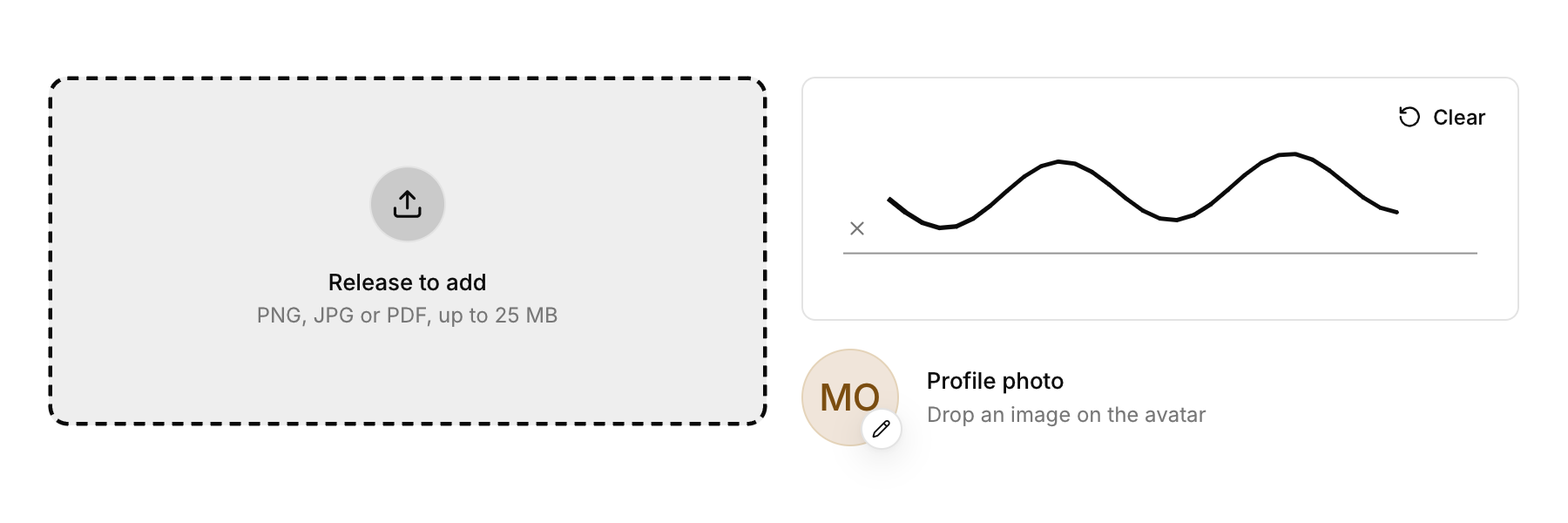
A box to sign in with the pointer or a finger, with strokes you can read back.
Functions: cui_signature_pad, cui_signature_points
Usage
cui_signature_pad(ui, "signature", .height = 180);
const cui_vec2 *pts; const int *ends; int strokes;
int n = cui_signature_points(ui, "signature", &pts, &ends, &strokes);   /* points relative to the pad */
Stroke width follows speed, so signatures look inked rather than drawn with a fixed pen. A Clear button appears once something is drawn; cui_signature_clear does the same from code.
cui_signature_pad returns true on a frame the drawing changes. The strokes live in the library under id, not in your variables. cui_signature_points returns the number of points, 0 for an empty pad, and fills three outputs, any of which may be NULL: the points, measured from the pad's top left corner, the end of each stroke and the number of strokes. Stroke i runs from ends[i - 1] (0 for the first) up to, but not including, ends[i]. Both arrays belong to the library and are good until the drawing changes or the function is called again, so copy what you keep.
Keyboard
- Signing needs a pointer, a pen or a finger. The Clear button takes Tab, and Enter or Space presses it.
Options of cui_signature_pad
| Option | Type | Default | Description |
|---|---|---|---|
.width | cui_size | Width: CUI_FILL, CUI_FIT, CUI_PX(n) or CUI_PCT(n); unset uses the component's own. | |
.height | float | Height in points; 0 uses the component's own. | |
.placeholder | const char * | Muted text shown while the field is empty. | |
.ink | cui_color | the foreground color | color of the strokes, default the foreground color |
Related
- Avatar upload: A profile picture you replace by dropping an image on it.
- Dropzone: An area that takes files dropped from the desktop, and can open the system file dialog on a click.
- Shortcut recorder: A field that records a key combination, for settings where people choose their own shortcuts.
- Prefix and suffix: Fixed text before or after a field's value, such as https:// or a unit.