Components / Inputs
Avatar upload
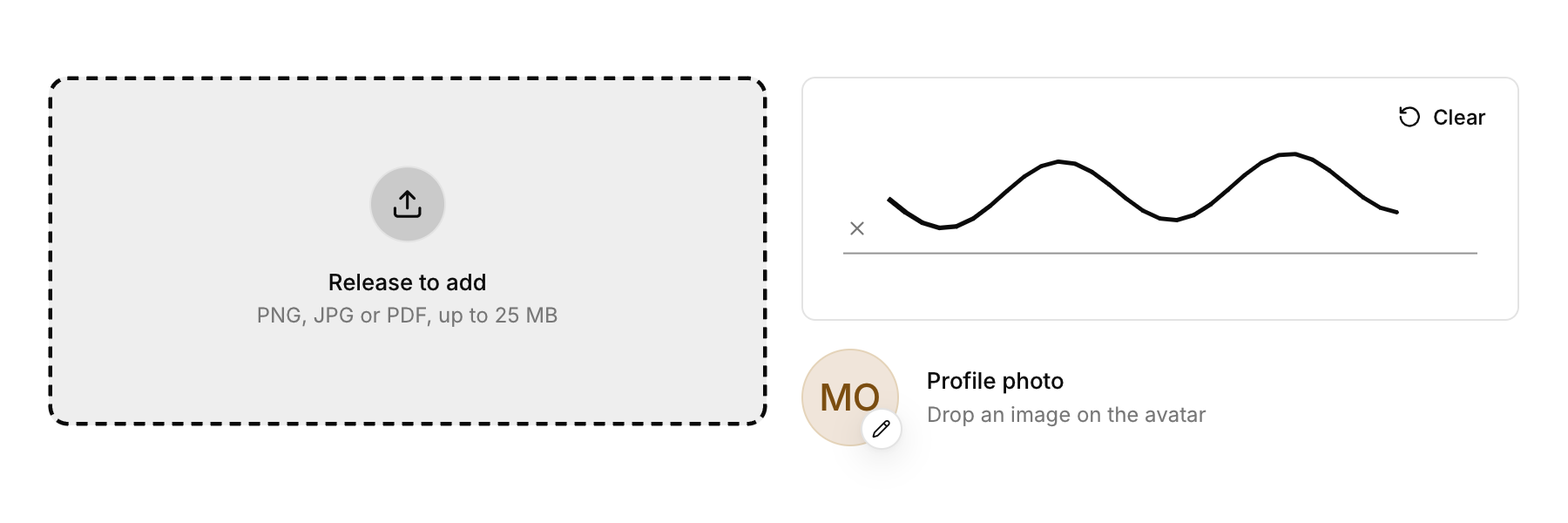
A profile picture you replace by dropping an image on it.
Functions: cui_avatar_upload
Usage
static cui_texture photo;
if (cui_avatar_upload(ui, "photo", "Maya Okafor", &photo, 88) < 0) browse_for_photo();
Drop an image on the avatar to replace it (the previous texture is destroyed). Hover shows a camera; the pencil badge marks it as editable.
Returns 1 on the frame a dropped image replaced the picture, -1 on a click and 0 otherwise. photo is your cui_texture. While it is 0 the avatar shows the initials of the name, and after a drop it holds the new texture, which is yours to free with cui_image_destroy. Only the first dropped file is used, and only one ending in png, jpg, jpeg, bmp, gif or tga. A click opens nothing by itself: load the file the user picks with cui_image_load, destroy the old texture and store the new one.
Keyboard
- Tab focuses the avatar, and Enter or Space acts as a click (a negative value), which is where you open your file dialog.
Related
- Image: Shows a picture loaded from a file or made from your own pixels.
- Signature pad: A box to sign in with the pointer or a finger, with strokes you can read back.
- Dropzone: An area that takes files dropped from the desktop, and can open the system file dialog on a click.
- Shortcut recorder: A field that records a key combination, for settings where people choose their own shortcuts.