Components / Feedback
Empty state
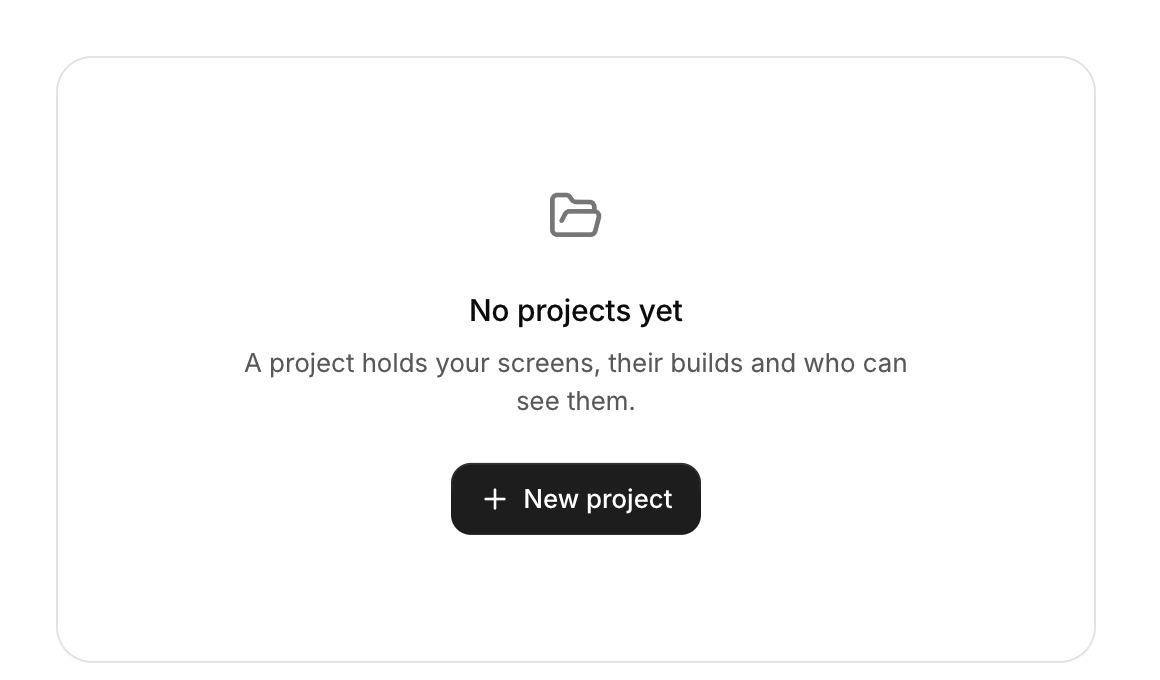
What to show where there is nothing yet: an icon, a title, a line of help and an action.
Functions: cui_empty_state
Usage
if (cui_empty_state(ui, "No projects yet", .icon = CUI_ICON_FOLDER_OPEN,
                    .description = "A project holds your screens, their builds and who can see them.", .action = "New project"))
    create_project();
Returns true on the frame its action button is clicked, and always false when there is no action. It keeps no state and decides nothing: show it from your own if, when the list or the search result is empty. The title is the only required text. icon is drawn large and muted above it, description wraps under it, and action is the label of the button. The block fills the width of its container and centers its content, so give it the area the missing content would fill.
Keyboard
- The empty state only displays. Its action button takes Tab, and Enter or Space presses it.
Options of cui_empty_state
| Option | Type | Default | Description |
|---|---|---|---|
.icon | const char * | An icon: a CUI_ICON_* constant, or a string from another icon font. | |
.description | const char * | A second line of smaller text. | |
.action | const char * | label of a button under the text; the call returns true when it is clicked |
Related
- Banner and countdown: A full-width announcement that can be dismissed, and a countdown to a moment in time.
- Progress, meter, spinner and skeleton: Ways to show waiting and amounts: a progress bar, a meter against a limit, a spinner, a gauge and placeholder shapes for content that is loading.
- Onboarding checklist: A card with a progress ring and steps; the first unfinished step opens to show its description and action button.
- Alert: An inline message in a tone of information, success, warning or danger, which can be dismissed.