Components / Selection
Chips and rating
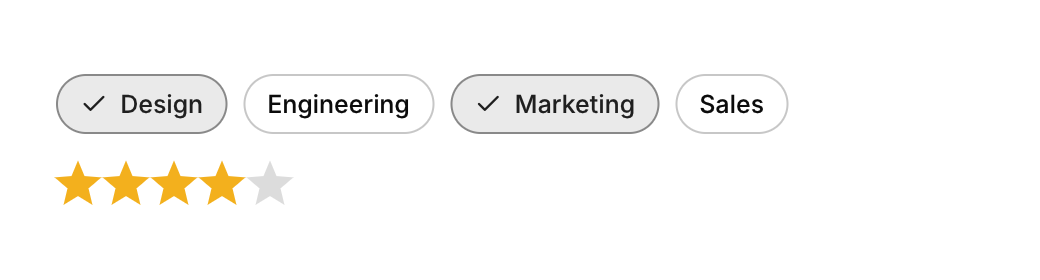
A chip is a small toggle for filters and tags. A rating picks a number of stars.
Functions: cui_chip, cui_rating
Usage
static bool design;
static int stars = 3;
cui_chip(ui, "Design", &design);           /* toggle chip */
cui_rating(ui, "stars", &stars, 5);         /* click the current value again to clear */
cui_chip returns true on the frame it is toggled. Its second argument points at your bool, which the chip flips; with NULL the chip only displays, unselected. The label is also the identity, so two chips with the same label in one scope need a key: "Design##team" shows "Design". A chip is as wide as its label, so put a set of them in a row that wraps: cui_row(ui, .gap = 8, .wrap = true).
cui_rating returns true on the frame a star is clicked. stars is your int, from 0 for no rating to the number of stars, which is the last argument: 0 or less gives 5, and 16 is the most. Ratings are whole stars.
Keyboard
- Tab moves through the chips, and Enter or Space toggles the focused one. The rating is set with the pointer; it has no keys yet.
Options of cui_chip
| Option | Type | Default | Description |
|---|---|---|---|
.icon | const char * | An icon: a CUI_ICON_* constant, or a string from another icon font. | |
.disabled | bool | Greyed out, and takes no input. |
Related
- Radio cards: One choice out of a few, shown as cards with a title and a line of explanation each.
- Slider: Picks a number, or a range with two thumbs, by dragging along a track.
- Checkbox, switch and radio: The three basic choices: a checkbox for an option, a switch for a setting that applies at once, and radio buttons for one of several.
- Segmented control: A compact set of two to five choices where one is always selected, for switching between views of the same content.